Approvals
| DMF |
|
Important
This evolution requires enabling the following feature flag: Mobile domain > Approbations label.
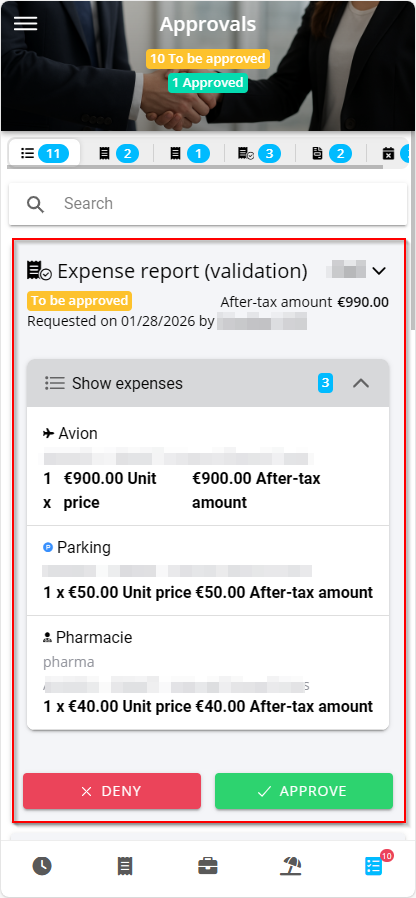
From the Akuiteo Mobile application, tap  from the menu bar to access the Approvals menu.
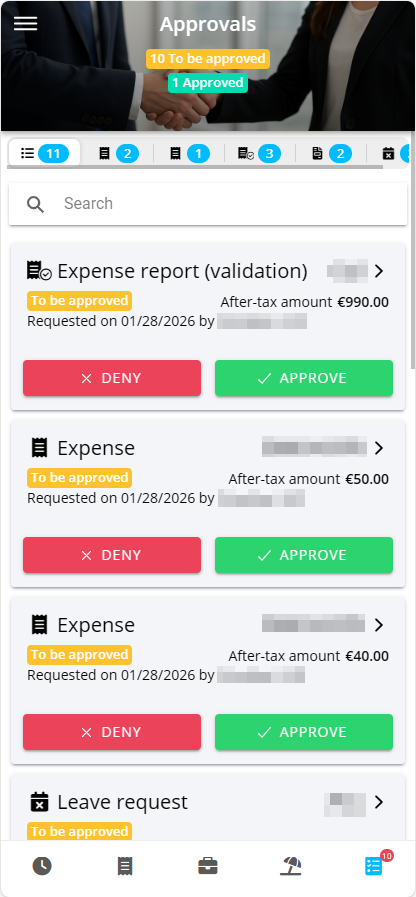
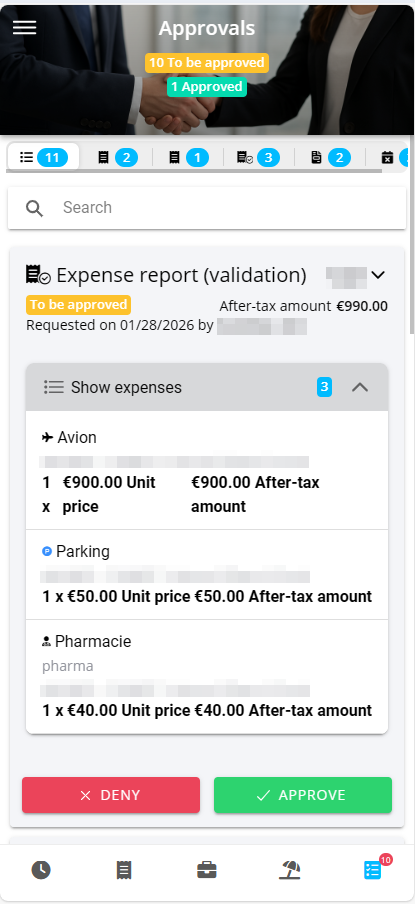
Employees can request the approval of a manager or of the person in charge so they can make progress on certain management objects. For example, when employees create quotations, they might need the approval of a manager or of the person in charge to be allowed to transform these quotations into sales orders.
A manager can approve various types of management objects:
- quotations;
- sales orders;
- quotes;
- purchase orders;
- purchase invoices;
- customer invoices;
- expense reports or expenses.
Note
According to the approval type defined in the expense reports approval setup, the approver must either approve the whole expense report or each expense individually.
- internal requests.
Depending on the setup, managements objects can be approved by multiple people: it is a multiple-level approval.
Reference
For more information about the approval setup, see Approvals.
Note
This menu also allows you to validate expense reports and leave requests.
 Interface
Approvals menu has multiple tabs depending on the approval requests:
- a general tab grouping all the objects to approve - it is the tab displayed by default;
- a tab per management object to approve (or validate).
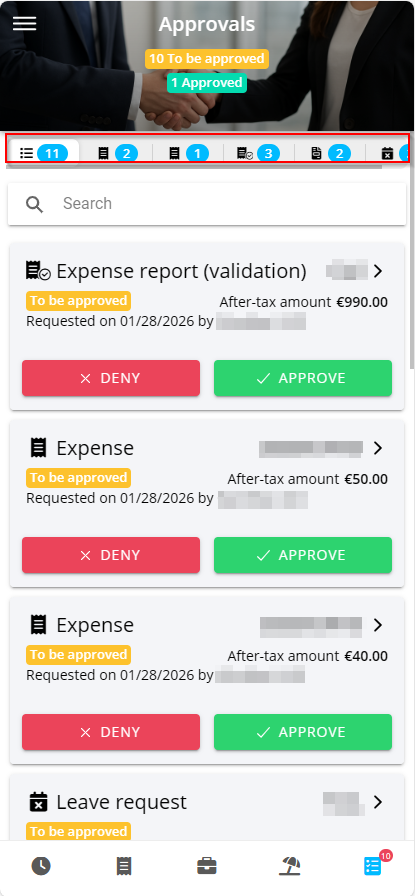
A search field is displayed on the top of each tab and allows you to filter the requests to display.
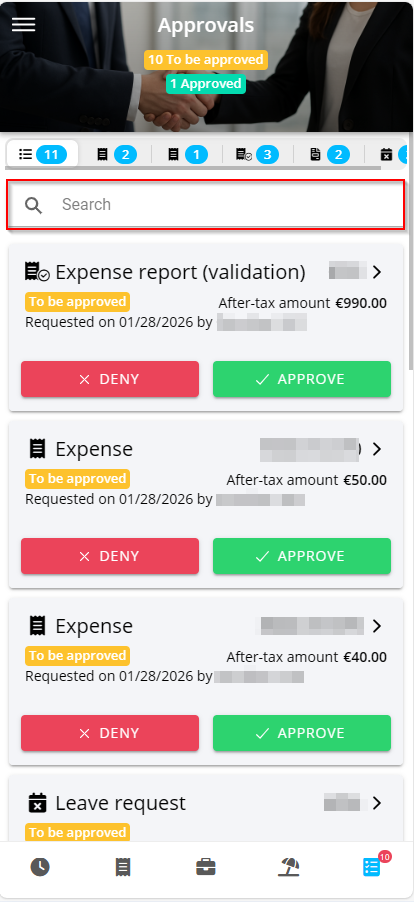
Touch a management object block to view its details. For the expense reports, customer invoices and supplier invoices, the details of the lines is displayed.